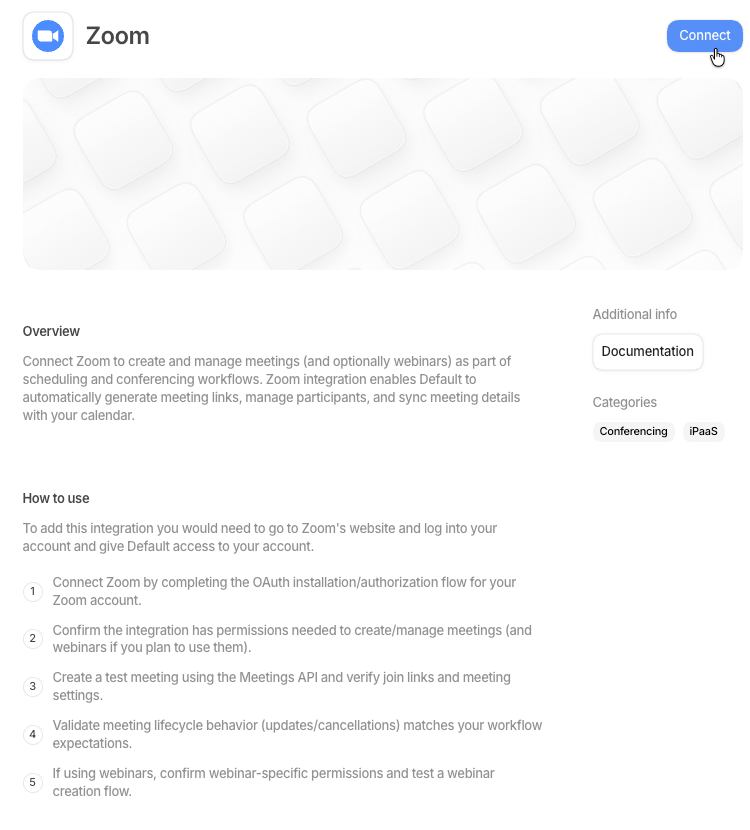
Select Settings in the sidebar, then Connections under Workspace Settings. Admin
access is required.You can also reach the Zoom integration page directly at
os.default.com/settings/connections/zoom.
Connect Zoom
Zoom appears alongside the other conferencing tools on the Connections page.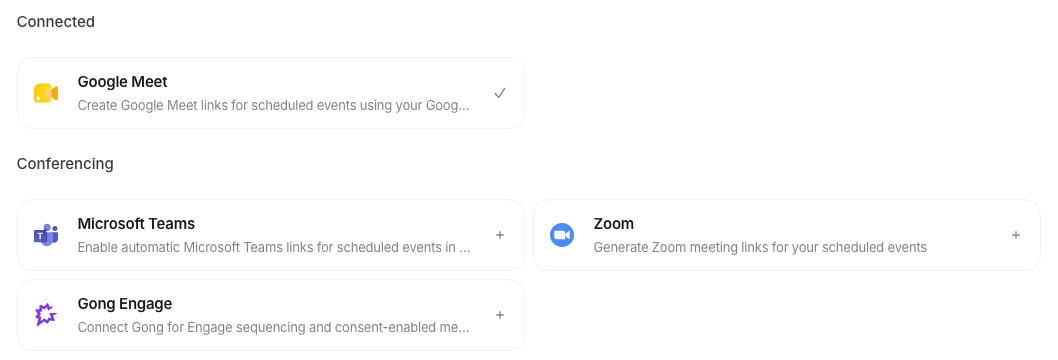
1
Find the Zoom card
Open Connections in Settings and find the Zoom card in the Conferencing
section.
2
Open the Zoom integration page
Select the Zoom card. It opens the Zoom integration page, where you finish connecting.
3
Connect and approve the sign-in
On the Zoom integration page, select Connect again to start the Zoom sign-in. Approve the
sign-in to finish connecting.
4
Use Zoom on your events
You can now select Zoom or Zoom Personal as the Location on your events.