Open Settings from the Dock (the app bar at the bottom of the screen), then select
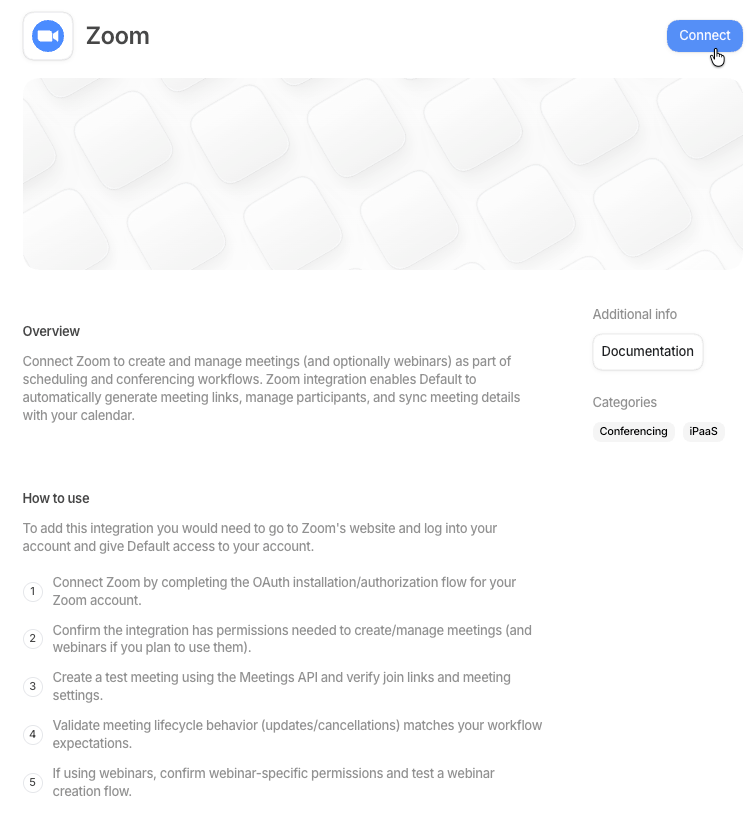
Integrations under Workspace Settings. You can also reach the Zoom integration page
directly at
os.default.com/settings/integrations/zoom.
Admin access is required.
Connect Zoom
Zoom appears alongside the other conferencing tools on the Integrations page.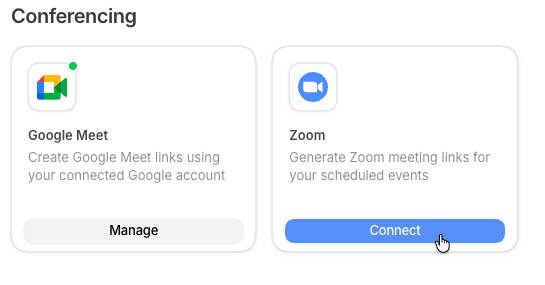
1
Find the Zoom card
Open Integrations in Settings and find the Zoom card in the Conferencing
section.
2
Open the Zoom integration page
Select the blue Connect button on the Zoom card. The card opens the Zoom integration page,
where you finish connecting.
3
Connect and approve the sign-in
On the Zoom integration page, select Connect again to start the Zoom sign-in, then approve
it to finish connecting.
4
Use Zoom on your events
Zoom can now be selected as a location option on your events.